
Opis
Advanced Data Table for Elementor is a feature-rich addon to build customizable tables with search, filter, pagination, responsiveness and more. Advanced Data Table for Elementor, the must-have plugin for Elementor users looking to effortlessly create stunning and functional tables on their WordPress websites. Elementor table allowing you to build and customize tables directly within the familiar Elementor interface. With live customization, you can see your changes in real-time, ensuring every detail matches your vision perfectly.
Key Features:
- Static Data
- CSV Data (new)
- Live Customization
- Merge & Split Cells
- ColSpan Support
- RowSpan Support
- Icon Support
- Image Support (new)
- Button Support (new)
- Text Alignment (Global or Individual)
- Text Color (Global or Individual)
- Bordered Table Options
- Striped Rows
- Typography Control
- Search, Pagination, Fitler options
- Export in CSV, Excel and Copy
- and more…
For search, filter, pagination and more advanced feature, this plugin use datatables.js js library.
Requirements
- PHP 7.4
- Elementor
Zrzuty ekranu
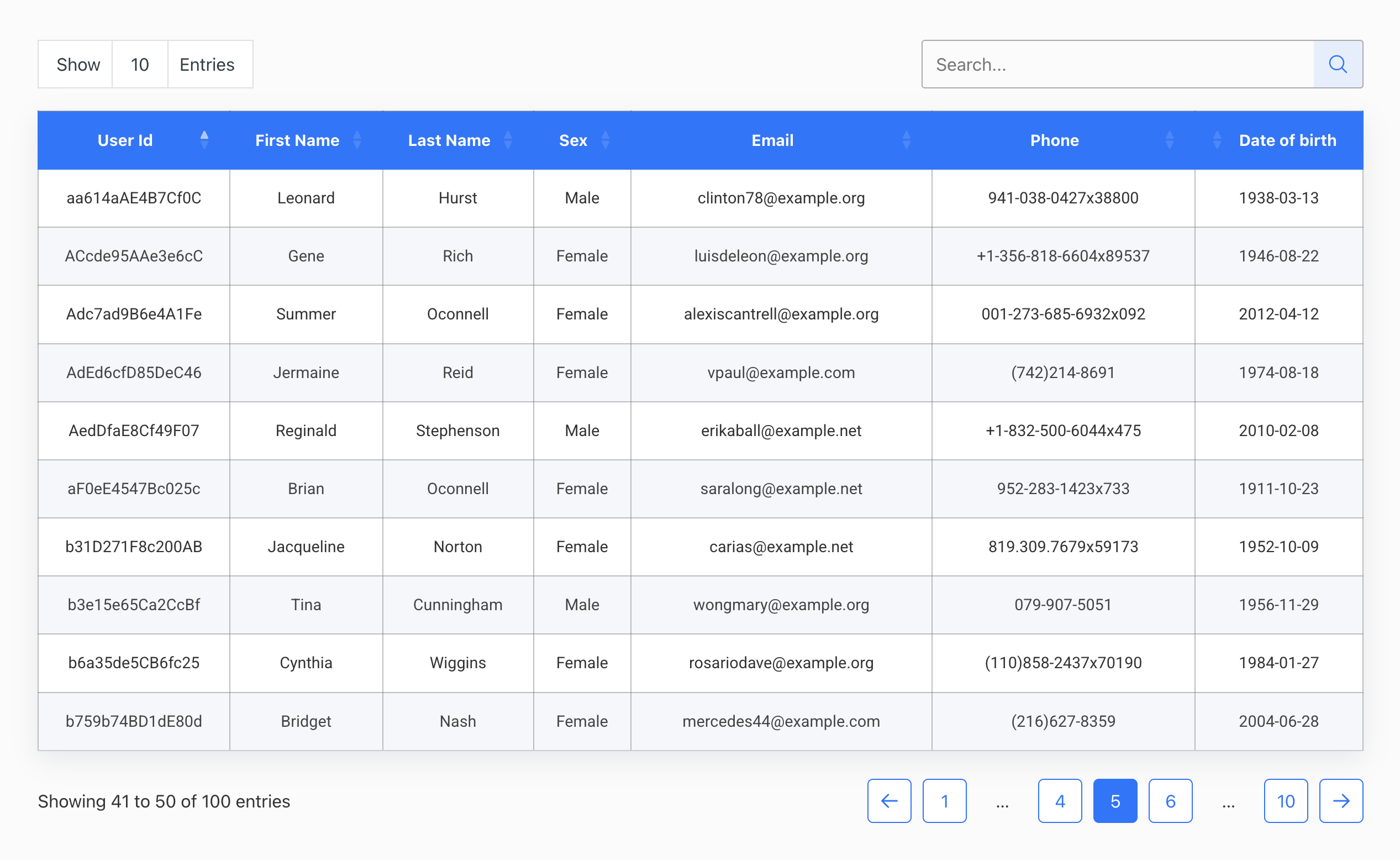
Table with CSV Data 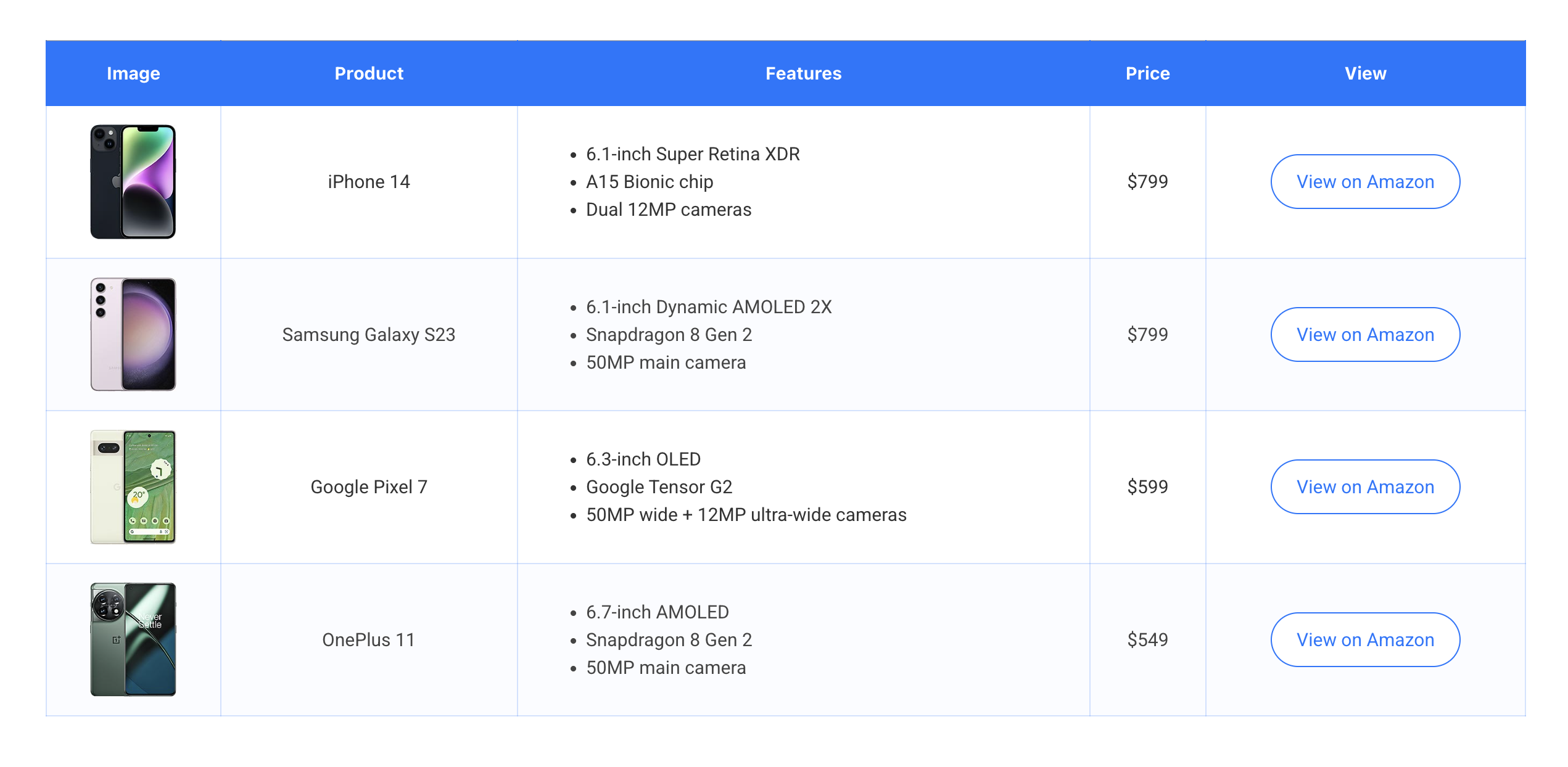
Table with Image and Button 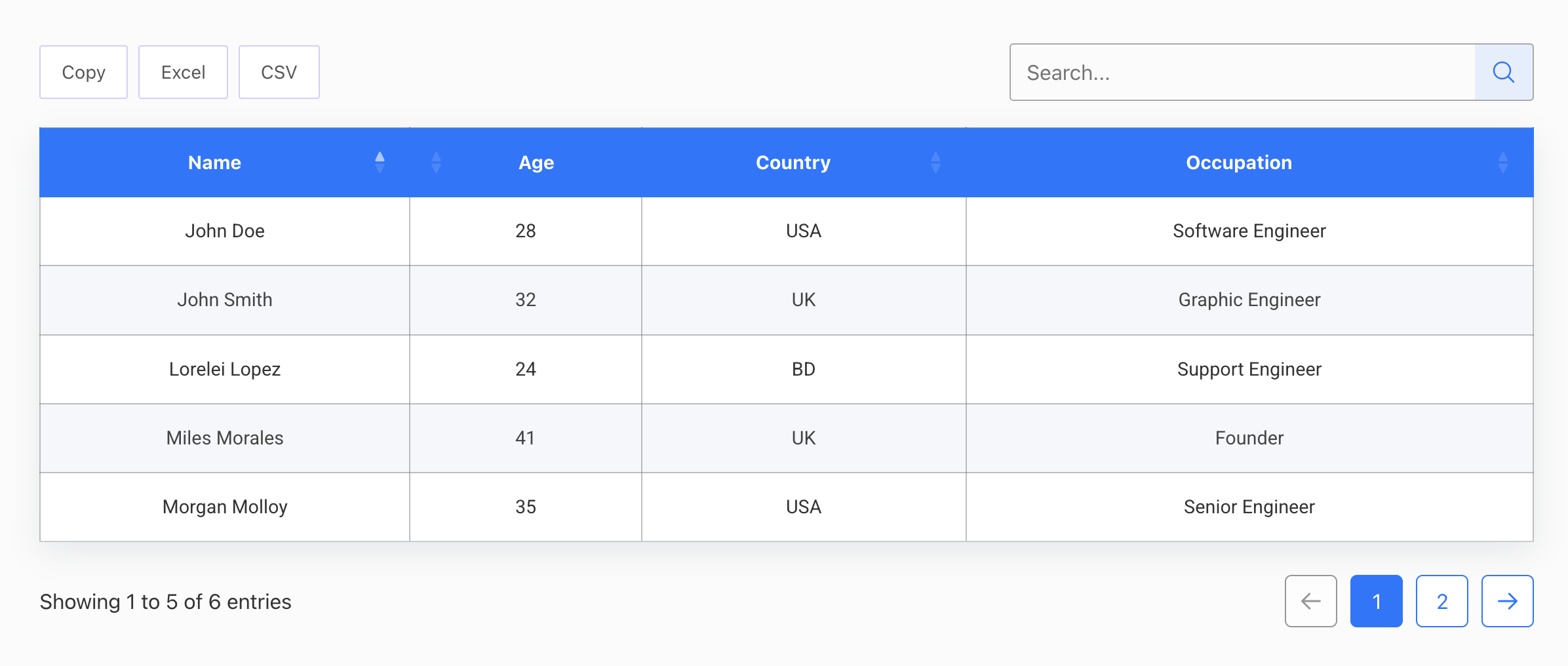
Table with advanced features 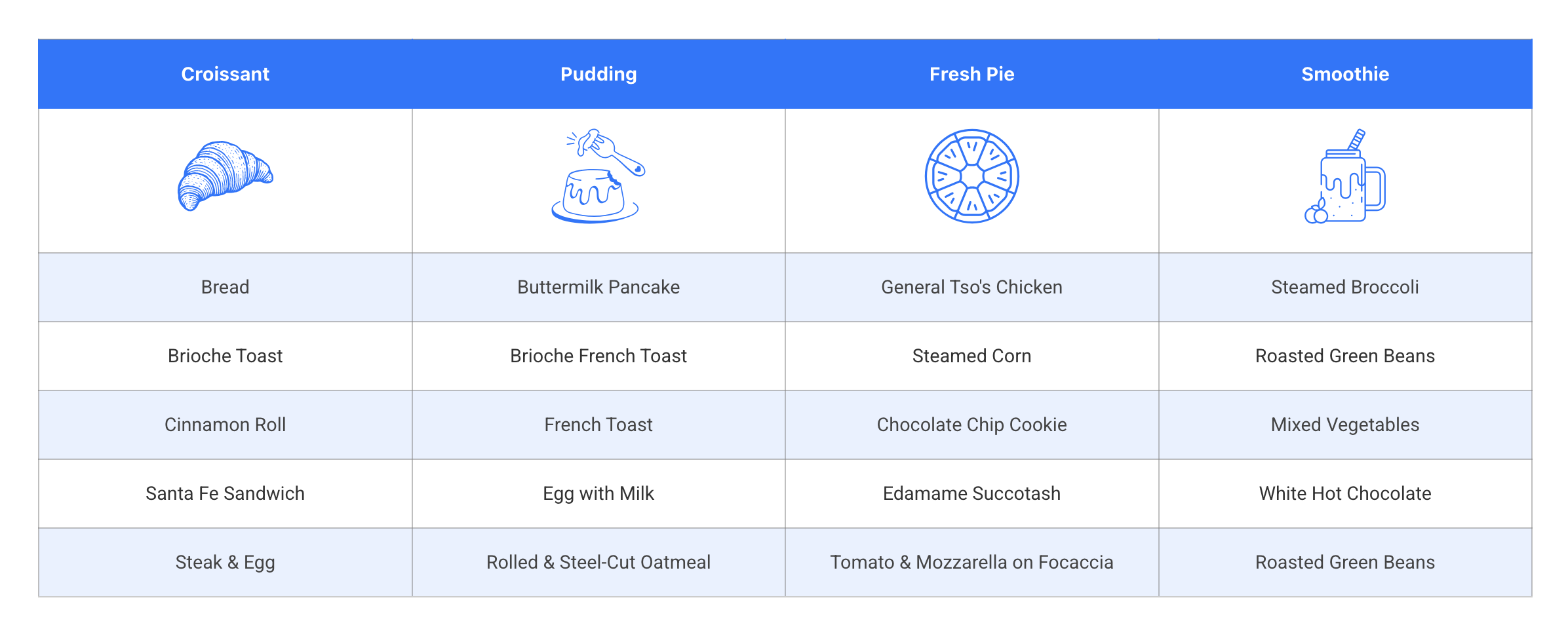
Table with basic design 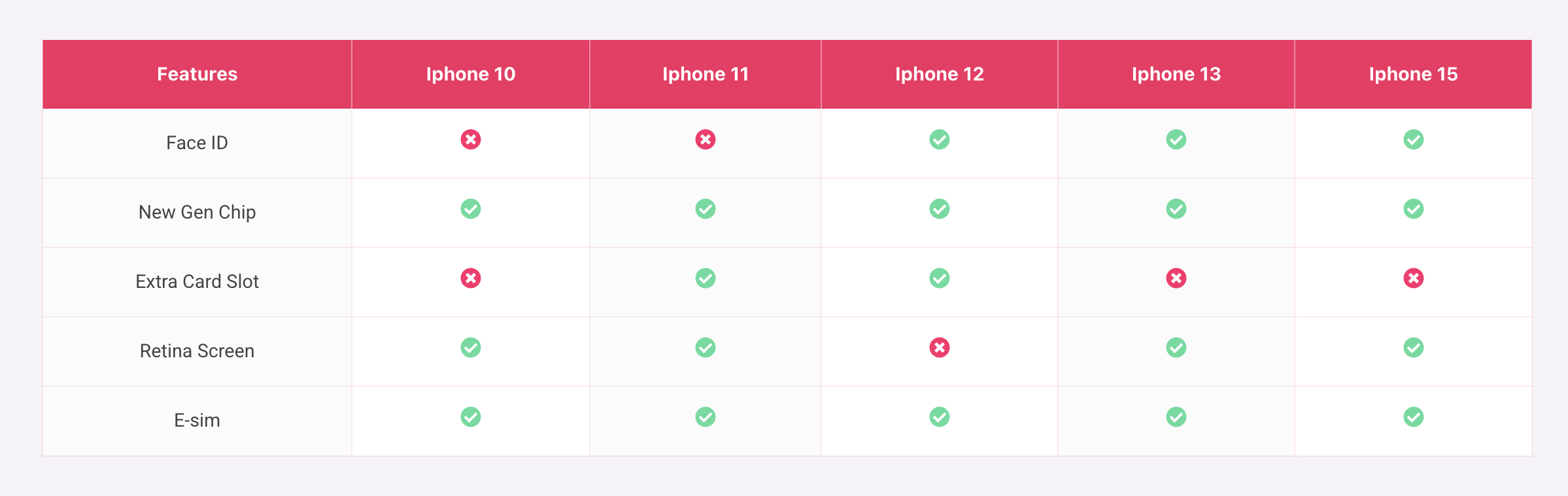
Table with color and higliter 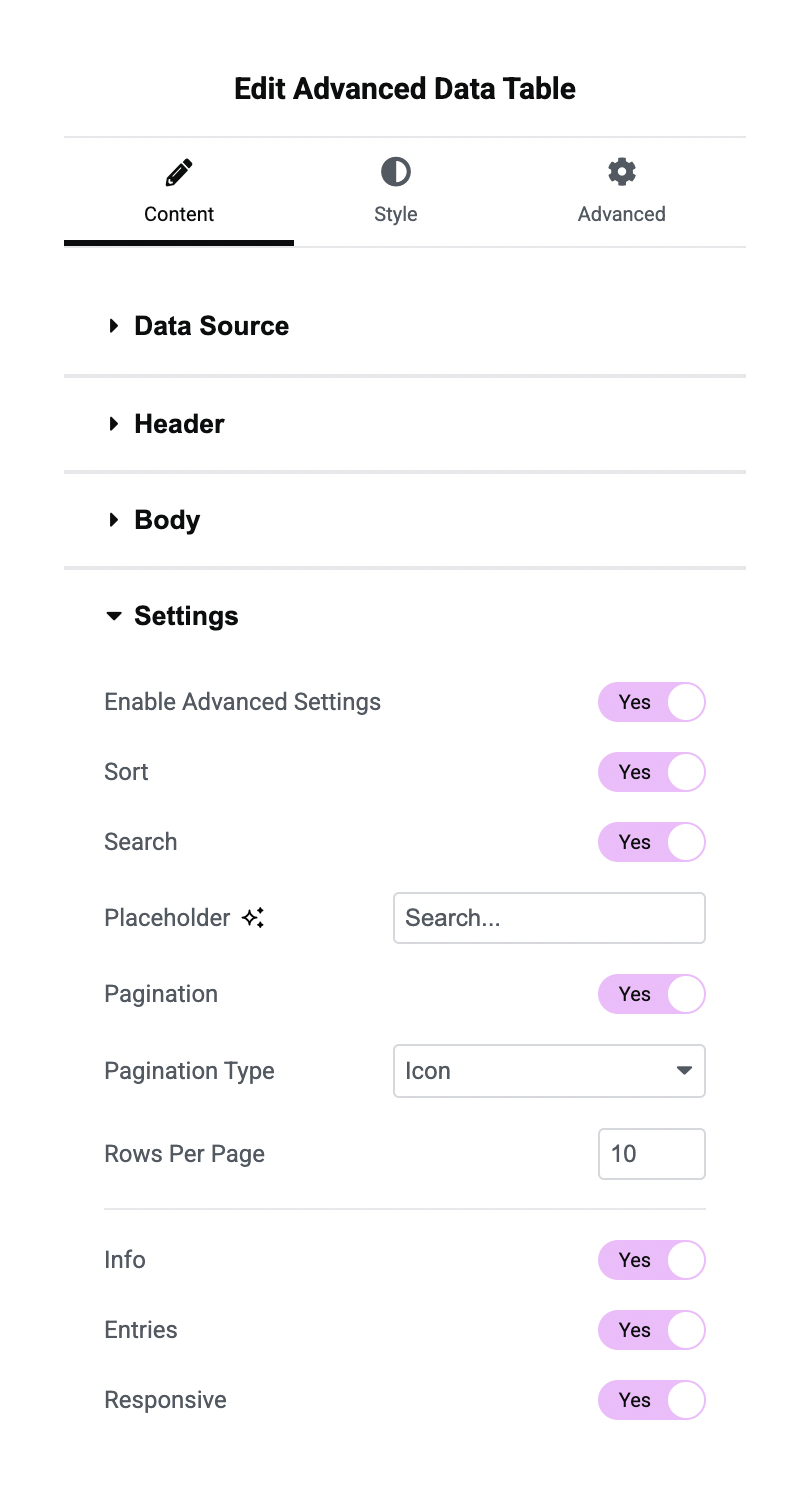
Advanced setting options 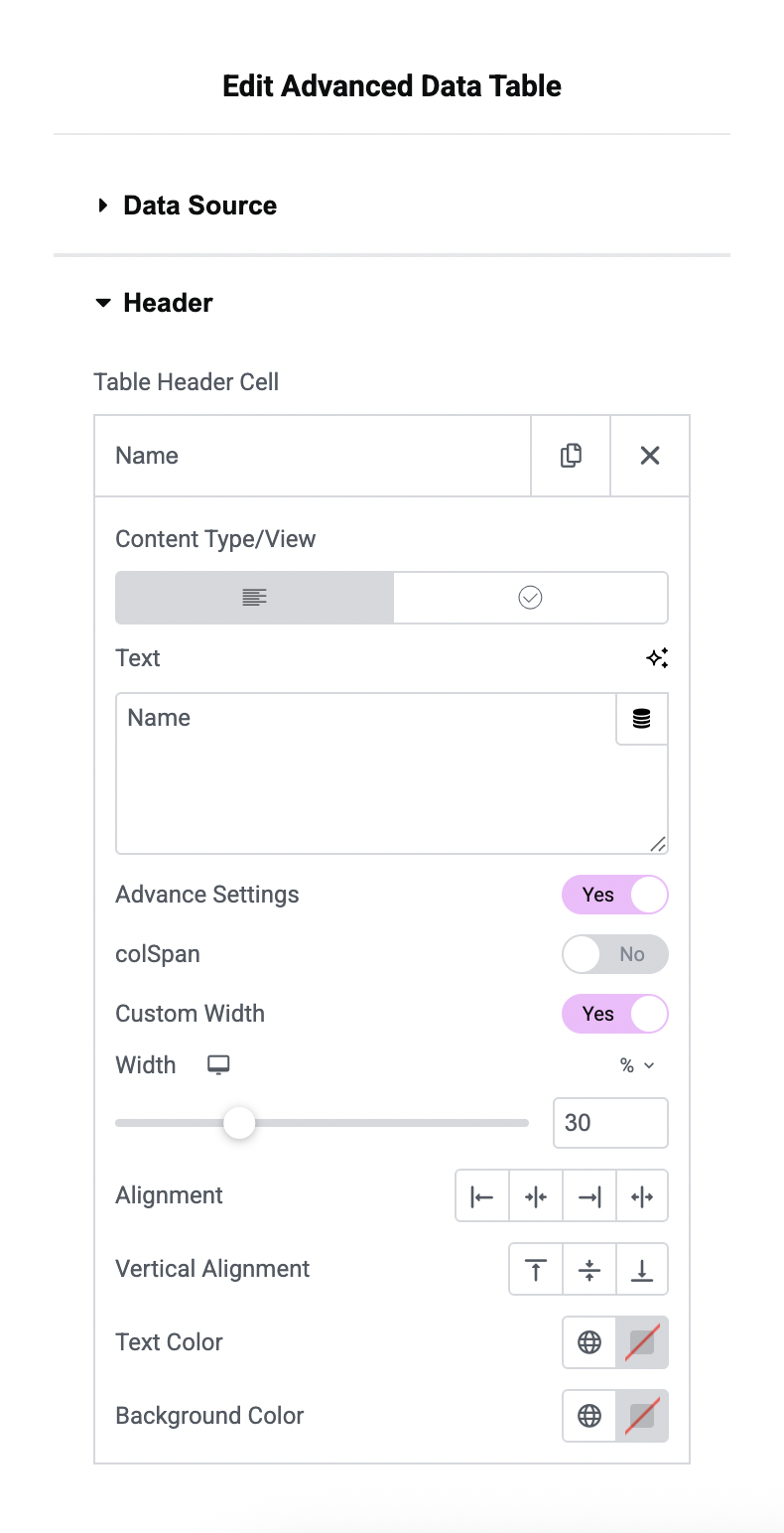
Header setting options 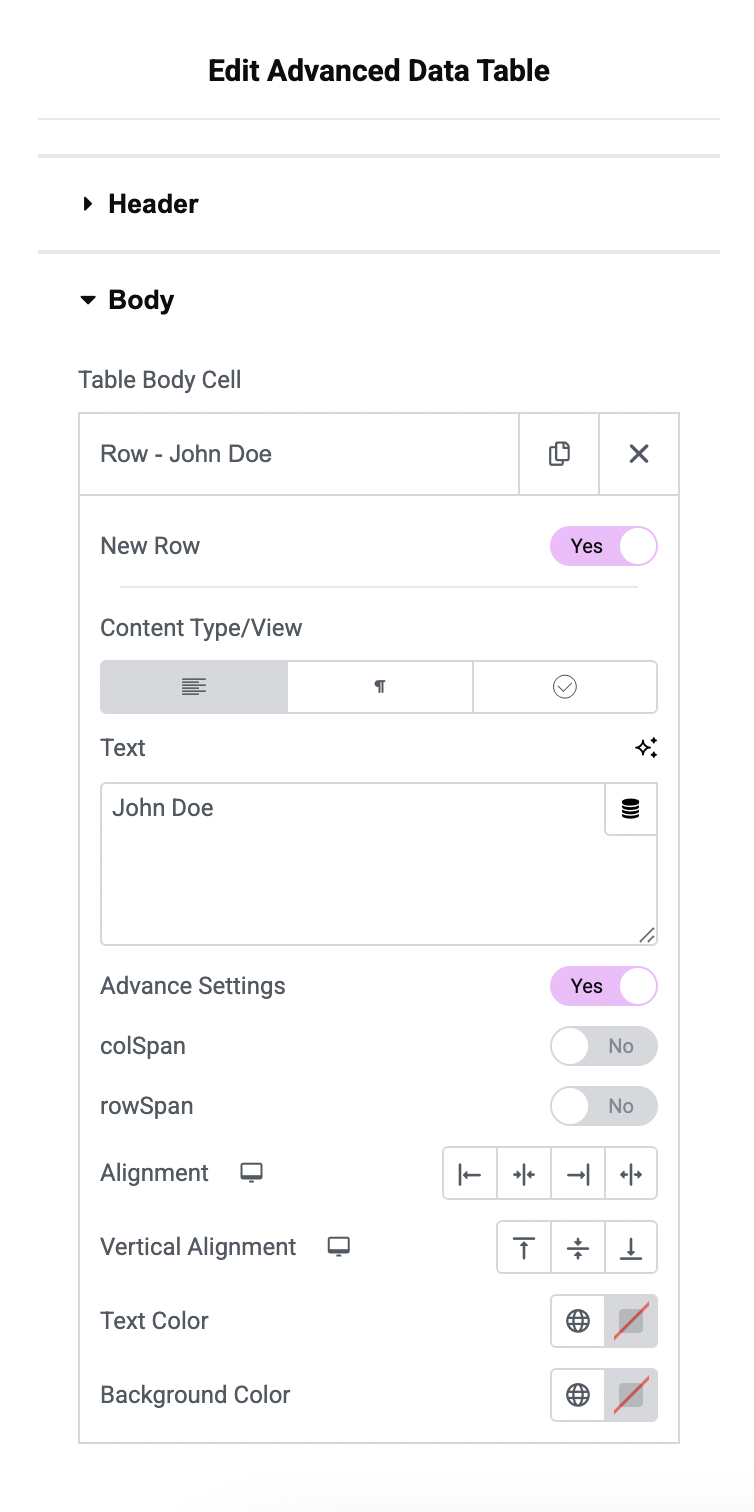
Body setting options 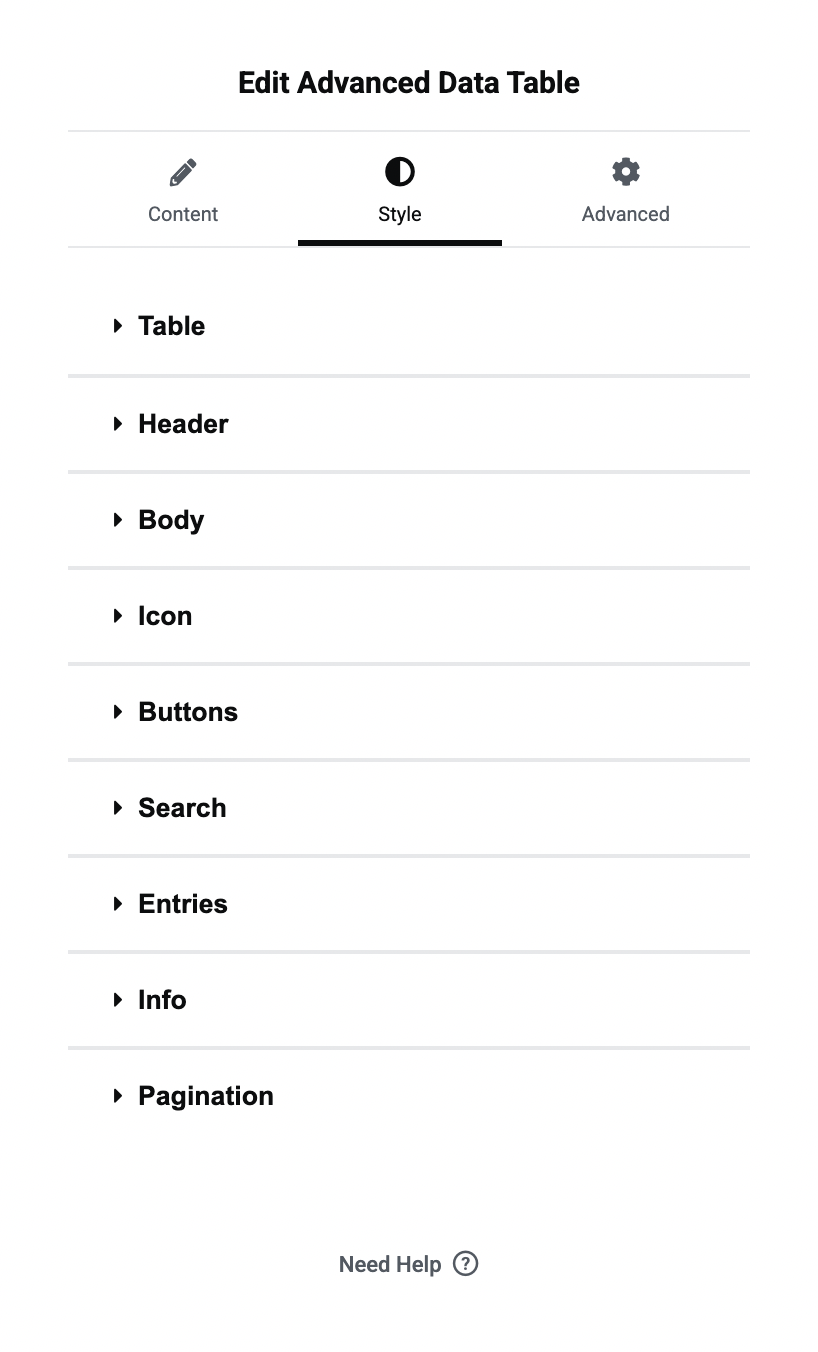
Table style options
Instalacja
- Install Advanced Data Table plugin
- Make sure you also have Elementor activated.
Najczęściej zadawane pytania
-
Is Advanced Data Table for Elementor compatible with all Elementor themes?
-
Yes, Advanced Data Table for Elementor is designed to work seamlessly with all Elementor themes.
-
What is advanced settings?
-
Advanced settings include table search, filters, pagination, responsiveness, and more. Users can easily enable and style each feature as needed.
-
Are there any limitations to the advanced settings?
-
Yes, Colspan and rowspan are not supported with advanced settings, as these features rely on the DataTables.js library.
-
Can I customize the appearance of the tables created with Advanced Data Table for Elementor?
-
Absolutely! You have full control over the design and styling of your tables, including colors, fonts, borders, and more.
-
Are there any limitations on the number of tables, cells, or rows I can create?
-
No, there are no limitations. You can create as many tables as you need, with any number of cells and rows.
-
Is Advanced Data Table for Elementor mobile responsive?
-
Yes, our plugin is built with responsiveness in mind, ensuring that your tables look great on all devices.

Kontrybutorzy i deweloperzy
„Advanced Data Table for Elementor” jest oprogramowaniem open source. Poniższe osoby miały wkład w rozwój wtyczki.
Zaangażowani

Przetłumacz wtyczkę “Advanced Data Table for Elementor” na swój język.
Interesuje cię rozwój wtyczki?
Przeglądaj kod, sprawdź repozytorium SVN lub czytaj dziennik rozwoju przez RSS.
Rejestr zmian
1.0.3
- Added CSV data type
- Added Image, Button in static data type
- Bug Fix
1.0.2
- Added datatable.js
- Added ots of design and layout options
1.0.1
- Fix security issue
1.0.0
- Initial Release