
Opis
Welcome to the Simple Category Filter documentation.
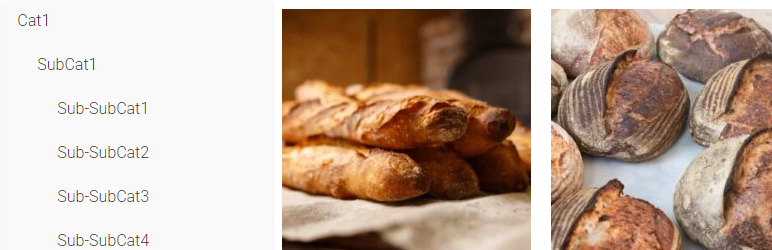
Simple Category Filter plugin can simply filter your woocommerce categories and products.
You can drag it to anywhere you want on Elementor editing page, it should be compatitble with any theme.
Tutorial
- On Elementro editing page, search „Simple Category Filter ” and drag it to anywhere you want.
- Go to wordpress admin panel -> Settings -> Simple Category Filter, you can configure the plugin.
Instalacja
- Download the Simple Category Filter plugin ZIP file.
- Log in to your WordPress admin dashboard.
- Navigate to the „Plugins” menu on the left-hand side.
- Click on „Add New” at the top of the Plugins page.
- On the Add Plugins page, click the „Upload Plugin” button.
- Choose the downloaded ZIP file and click „Install Now.”
- Once the installation is complete, click „Activate Plugin.”
Recenzje
Wtyczka nie ma jeszcze żadnej recenzji.
Kontrybutorzy i deweloperzy
„Simple Category Filter” jest oprogramowaniem open source. Poniższe osoby miały wkład w rozwój wtyczki.
Zaangażowani
Przetłumacz wtyczkę “Simple Category Filter” na swój język.
Interesuje cię rozwój wtyczki?
Przeglądaj kod, sprawdź repozytorium SVN lub czytaj dziennik rozwoju przez RSS.