
Opis
Get multi-functional buttons. The Button Block plugin comes up with many useful styling options that make you happy to build responsive, interactive, stylish buttons in a few clicks.
Features of Button Block
-
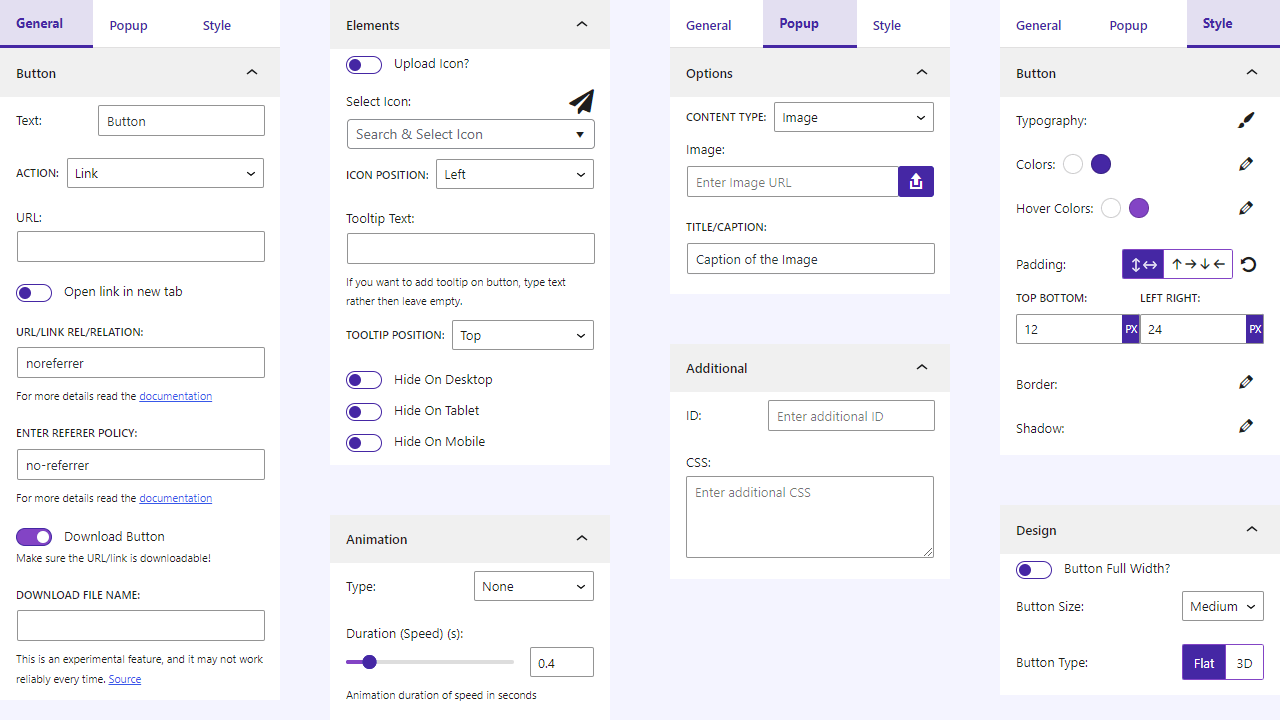
Download: Download files with this button easily.
-
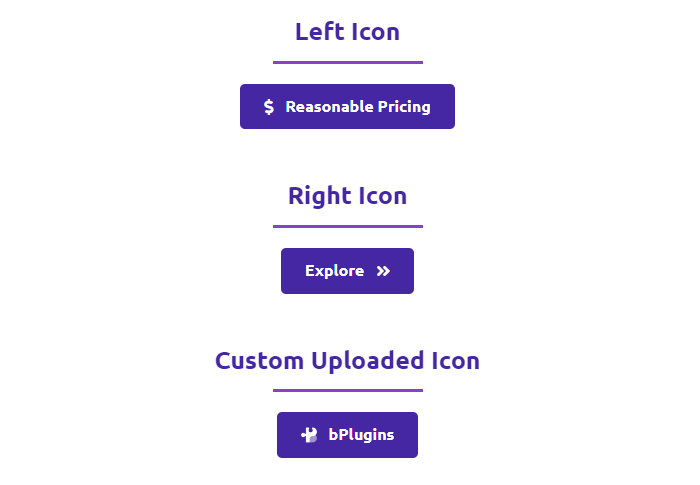
Icon: Add icon with button text.
-
Tooltip: Show tooltip text on button hover.
-
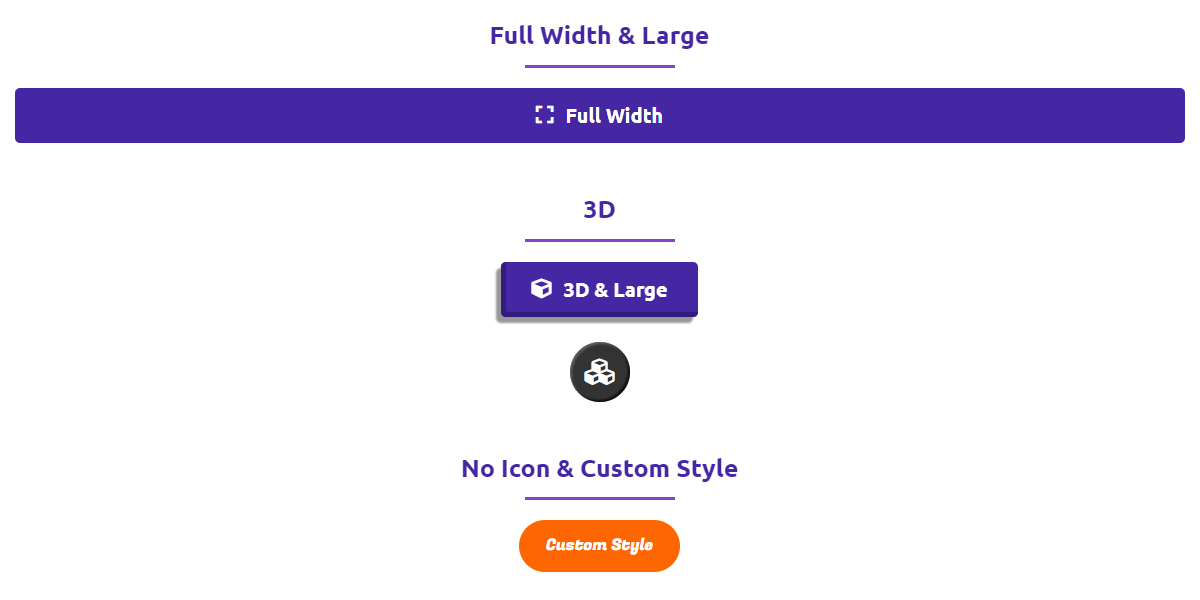
Size: Make the button small, medium, large, extra large also full width.
-
3D: Make button 3D with just single click.
-
Animation: Lots of animation style with duration.
-
Shortcode: Save a button once and place it anywhere with a shortcode.
-
Hide Menu: Hide Button block option from admin menu.
Premium Features of Button Block
-
Button Action: Use the button as a link or popup trigger.
-
rel Attribute: Add the rel/relation attribute to the anchor link.
-
referrer-policy Attribute: Add the Referrer Policy attribute to the anchor link.
-
Download File Name: For the download, enter a custom name for the download file.
-
Icon Position: Set the icon position to the left or right.
-
Tooltip Position: Choose a different position for the tooltip.
-
Hide on Devices: Hide on various devices (desktop, tablet, and mobile).
-
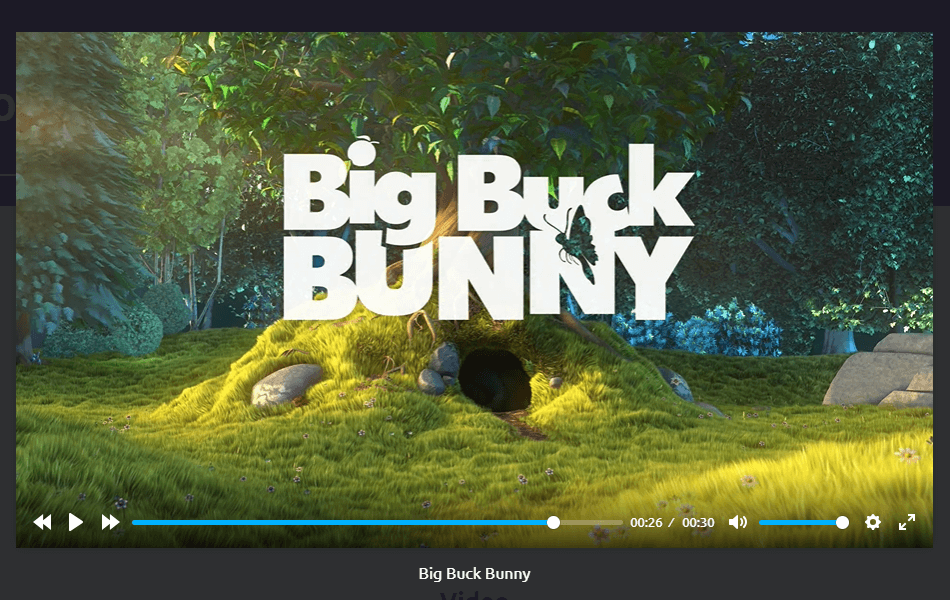
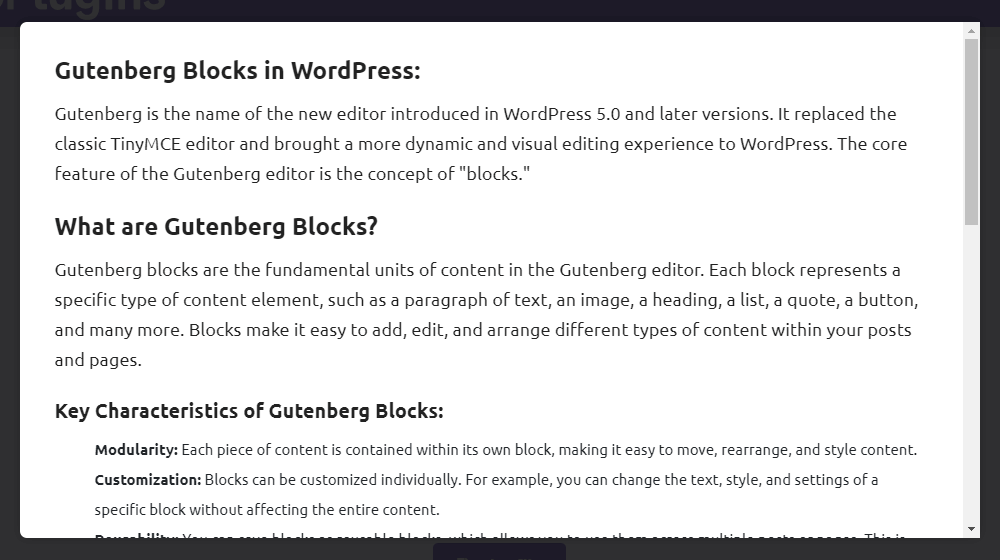
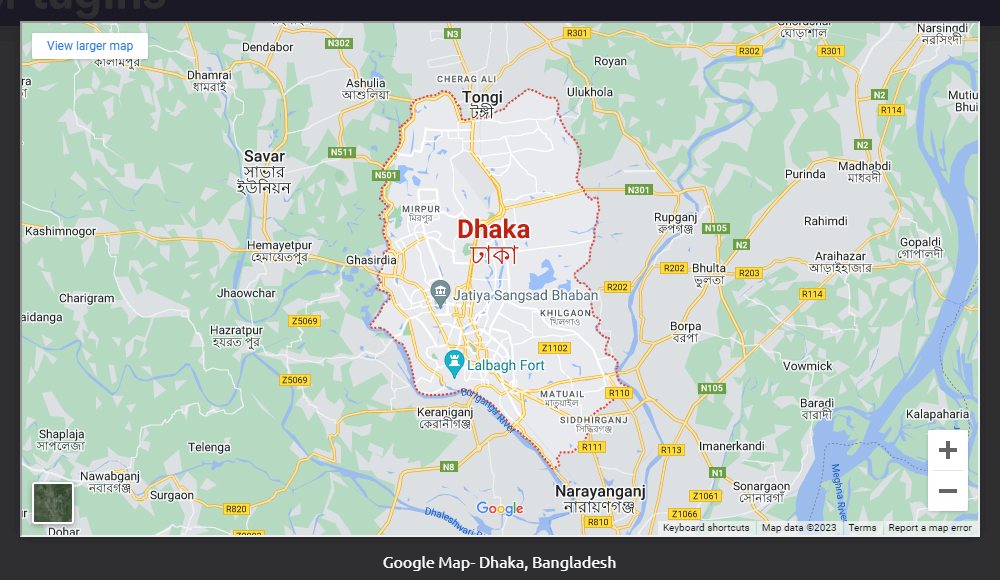
Popup Content: Show Image, Audio, Video, Block Content, Document(.pdf, .doc, .docx, .xls, .xlsx), and Iframe.
-
Security Features: Protect a button behind a login, a password, or an email. The link is delivered only after the visitor passes the check.
-
Email Leads: Collect the emails an email protected button captures, and browse them from the admin.
How to use Button Block
Getting started is easy.
Step by Step Setup
– First, install the Button Block plugin
– Add the Button Block from the block category called „Widgets” in the Gutenberg editor.
– You can change block settings from the right-side settings sidebar.
– Enjoy!
- For installation help click on Installation Tab
Feedback
- Did you like this plugin? Dislike it? Have a feature request? Please share your feedback with us
Check out the Parent Plugin of this plugin-
B Blocks – A blocks collection and page building tool for Gutenberg.
Check out our other WordPress Plugins-
Html5 Video Player – Display videos as single and playlist in multiple skins.
PDF Poster – Display/Embed PDF files with different styles.
Html5 Audio Player – Listen audios with awesome visuals.
StreamCast – Customizable radio player with different skins.
3D Viewer – Embed 3D models and 3D products with interaction.
Advanced Post Block – Show posts and custom posts in different layouts.
Third-Party Libraries
This plugin bundles the following third-party JavaScript/PHP/CSS libraries.
Font Awesome 7
- Source: https://fontawesome.com/
- GitHub: https://github.com/FortAwesome/Font-Awesome
- License: MIT (for code), SIL OFL 1.1 (for fonts), CC BY 4.0 (for icons)
- Purpose: Provides vector icons library for styling buttons.
AOS (Animate on Scroll)
- Source: https://michalsnik.github.io/aos/
- GitHub: https://github.com/michalsnik/aos
- License: MIT – https://github.com/michalsnik/aos/blob/master/LICENSE
- Purpose: Provides scroll-driven entry animations for button block elements.
Freemius Lite SDK
- Source: https://bplugins.com/
- GitHub: https://github.com/bPlugins/freemius-lite-sdk
- License: GPL-2.0-or-later – https://www.gnu.org/licenses/gpl-2.0.html
- Purpose: Provides an opt-in consent form for usage tracking and analytics to help improve the plugin. No data is sent before explicit user consent.
- External Services: Communicates with
api.bplugins.com(activation events) andwp.freemius.com(opt-in processing) only after user opt-in. See bPlugins Privacy Policy and Freemius Privacy Policy.
Freemius SDK
- Source: https://freemius.com/
- GitHub: https://github.com/Freemius/wordpress-sdk
- License: GPLv3 – https://github.com/Freemius/wordpress-sdk/blob/master/LICENSE.txt
- Purpose: Provides opt-in usage tracking and analytics to help improve the plugin.
bpl-tools
- Source / GitHub: https://github.com/bPlugins/bpl-tools
- License: GPL-2.0-or-later – https://www.gnu.org/licenses/gpl-2.0.html
- Purpose: Shared utility library providing admin dashboard components and common Gutenberg editor controls.
- External Services: The library may connect to bPlugins, WordPress.org, and Freemius services for product data and checkout functionality. See full details: https://github.com/bPlugins/bpl-tools#external-requests–why-they-are-made
Zrzuty ekranu




Bloki
Wtyczka dodaje 1 blok.
- Button Implement multi-functional button.
Instalacja
From Gutenberg Editor:
- Go to the WordPress Block/Gutenberg Editor
- Search For Button Block
- Click on the Button Block to add the block
Download & Upload:
- Download the Button Block plugin (.zip file)
- In your admin area, go to the Plugins menu and click on Add New
- Click on Upload Plugin and choose the
button-block.zipfile and click on Install Now - Activate the plugin and Enjoy!
Manually:
- Download and upload the Buttons Block plugin to the
/wp-content/plugins/directory - Activate the plugin through the Plugins menu in WordPress
Najczęściej zadawane pytania
-
Yes, Button Block is a free Gutenberg block plugin.
-
Does it work with any WordPress theme?
-
Yes, it will work with any standard WordPress theme.
-
Can I change block settings?
-
Yes, you can change block settings from the Gutenberg block editor’s right sidebar.
-
How many times can I reuse a block?
-
You can use unlimited times as you want.
-
Where can I get support?
-
You can post your questions on the support forum here
Recenzje


Kontrybutorzy i deweloperzy
„Button Block – Stylish buttons that get more clicks” jest oprogramowaniem open source. Poniższe osoby miały wkład w rozwój wtyczki.
Zaangażowani


Wtyczka „Button Block – Stylish buttons that get more clicks” została przetłumaczona na 1 język. Podziękuj tłumaczom za ich wkład.
Przetłumacz wtyczkę “Button Block – Stylish buttons that get more clicks” na swój język.
Interesuje cię rozwój wtyczki?
Przeglądaj kod, sprawdź repozytorium SVN lub czytaj dziennik rozwoju przez RSS.
Rejestr zmian
1.2.7 – 30 Sep 2026
- Fix: The „Hide Button Block from admin Menu” setting, some editor controls, and the admin dashboard could not be translated.
- Fix: A duplicated button is now titled „Title (copy)”, with a space, and the suffix can be translated.
- Fix: An error on the Duplicate link now shows a regular WordPress error page instead of raw code.
1.2.6 – 08 Sep 2026
- Fix: Open in new tab opened two tabs instead of one.
- Fix: Download button opened an extra blank tab alongside the download.
- Fix: Editor panel strings could not be translated.
- Update: The shortcode is now shown in the block sidebar while editing a saved button.
- Update: A button without a link is now a real button element, so it works with the keyboard and screen readers.
1.2.5 – 10 Jun 2026
- Update: SDK
- Update: Performance Improvement
1.2.4 – 04 Mar 2026
- Update: Admin Dashboard – Improved UI with better navigation and clearer feature organization.
1.2.3 – 25 Nov 2025
- Update: Extend Icons library.
- Update: Only load libraries when needed.
1.2.2 – 21 Jul 2025
- Fix: Popup issue.
1.2.1 – 20 Jul 2025
- Fix Post Duplicate issue.
- Update SDK.
1.2.0 – 3 Mar 2025
- URL sanitize.
1.1.9 – 21 Feb 2025
- Text sanitize.
1.1.8 – 27 Jan 2025
- Update SDK.
1.1.7 – 25 Jan 2025
- Fix security issue for button text.
1.1.6 – 16 Dec 2024
- Fix security issue for duplicate post.
1.1.1 – 3 Feb 2024
- Fix activation issue.
1.1.0 – 22 Jan 2024
- General improvements and optimizations.
1.0.9 – 21 Dec 2023
- Update SDK
1.0.8 – 23 Sep 2023
- Update download option notice.
1.0.7 – 20 Sep 2023
- Update SDK and Premium Handling
1.0.6 – 17 Sep 2023
- Open the popup by clicking on the button.
- Add rel, and referrer policy attributes.
- Download file name feature
- Icon and Tooltip Position
- Hide on Devices
1.0.5
- Add option for ID and CSS
- Not load scripts if block is not used.
1.0.4
- Fix editor script load in frontend
1.0.3
- Reduce asset load
1.0.2
- Upload custom icon feature
1.0.1
- Add translate feature.
1.0.0
- Initial Release.