
Opis
When activated, this plugin:
1. Closes comments and pings on all existing public content (posts, pages, and custom post types).
2. Sets WordPress defaults to disallow new comments and pings on all future content.
3. Ensures that newly created or updated posts remain closed to comments.
4. Hides the default Comments menu in the admin sidebar when enabled.
5. Provides a simple Settings page with a single Activate / Deactivate button to toggle behavior.
When deactivated, the plugin restores the default WordPress discussion settings without reopening previously closed comments.
Created by TYF Design.
Zrzuty ekranu
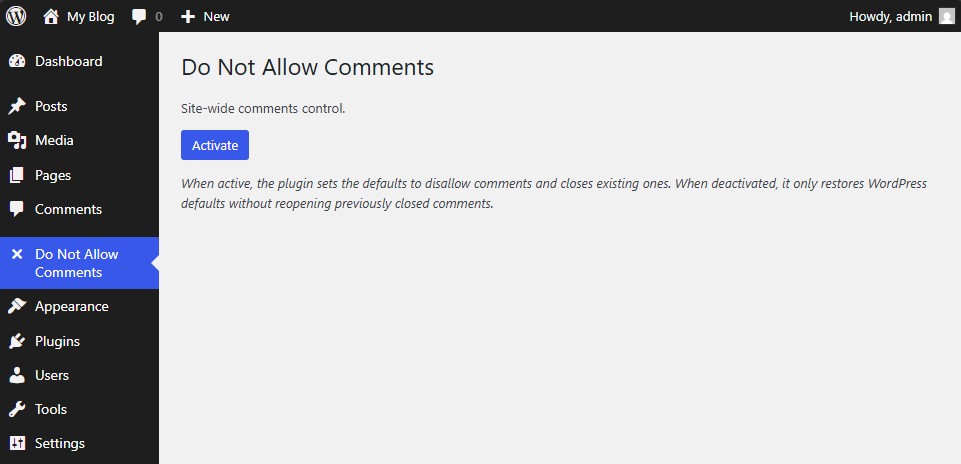
Main settings page showing the single “Activate / Deactivate” button. 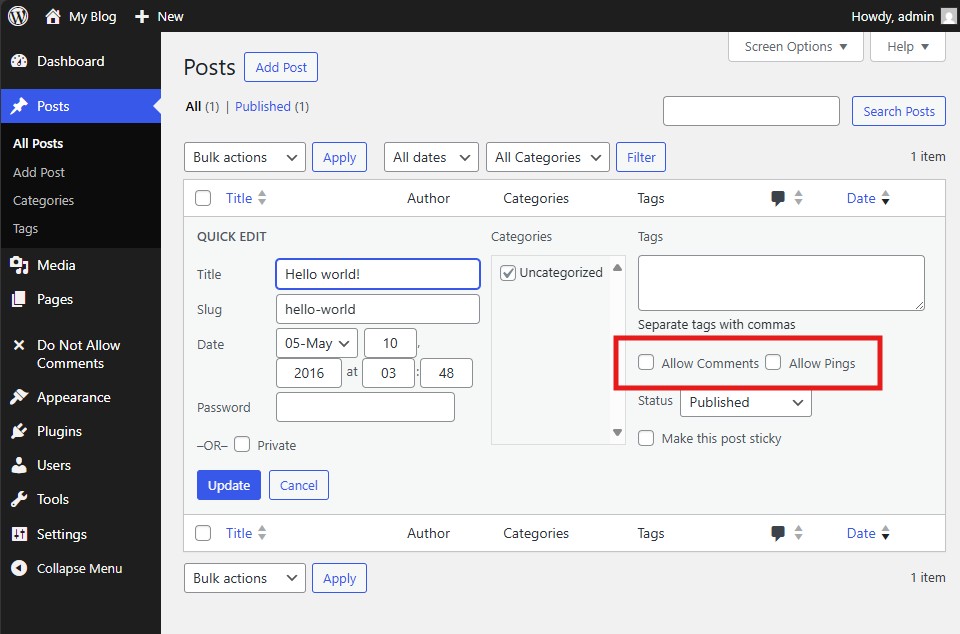
Post editor screen showing the “Allow Comments” option already unchecked by default. 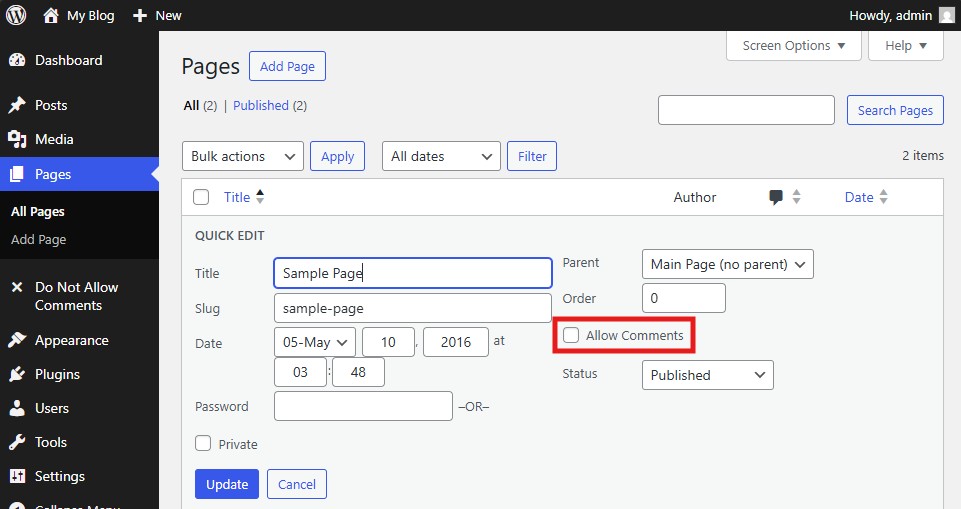
Page editor screen showing the “Allow Comments” option already unchecked by default.
Instalacja
- Upload the plugin folder to your /wp-content/plugins/ directory.
- Go to the Plugins page and activate Do Not Allow Comments Everywhere for WordPress.
- Access the plugin’s settings under Do Not Allow Comments -> Settings to enable or disable global control.
Najczęściej zadawane pytania
-
How do I use this plugin?
-
Simply activate the plugin. Comments and pings will automatically be disabled for all existing and future posts. You can toggle the setting at any time through the plugin’s configuration page.
-
How do I uninstall the plugin?
-
Deactivate the plugin from the Plugins page and delete it from your installation. WordPress default discussion settings will be restored automatically.
Recenzje

Kontrybutorzy i deweloperzy
„Do Not Allow Comments Everywhere” jest oprogramowaniem open source. Poniższe osoby miały wkład w rozwój wtyczki.
Zaangażowani
Przetłumacz wtyczkę “Do Not Allow Comments Everywhere” na swój język.
Interesuje cię rozwój wtyczki?
Przeglądaj kod, sprawdź repozytorium SVN lub czytaj dziennik rozwoju przez RSS.
Rejestr zmian
1.0.1
Stable Version
* Initial public release.