
Opis
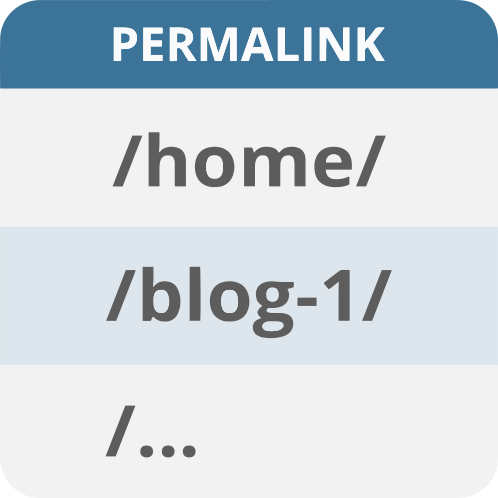
„Show Page Slug in Admin” adds a new column in the admin „Pages” view to display each page’s slug.
Instead of scrolling through lists of pages by name and inspecting each page individually to get the permalink, it shows up right beside the Author column.
Zrzuty ekranu

View of the Pages screen showing the slug under the new Permalink column.
Instalacja
- Upload the
show-page-slug-in-adminfolder to the/wp-content/plugins/directory. - Activate the plugin through the 'Plugins’ menu in WordPress.
- Once activated, navigate to the Pages section in your admin. You’ll see a new 'Permalink’ column showing the slugs of your pages.
Najczęściej zadawane pytania
-
Does this plugin work with custom post types?
-
Initially, this plugin is designed to work only with standard WordPress pages. However, it can be modified to support custom post types with a small code adjustment.
-
Can I hide the slug column?
-
The slug column will appear by default. If you need to hide it, you can do so via screen options in the WordPress admin.
Recenzje
Wtyczka nie ma jeszcze żadnej recenzji.
Kontrybutorzy i deweloperzy
„Show Page Slug in Admin” jest oprogramowaniem open source. Poniższe osoby miały wkład w rozwój wtyczki.
Zaangażowani
Przetłumacz wtyczkę “Show Page Slug in Admin” na swój język.
Interesuje cię rozwój wtyczki?
Przeglądaj kod, sprawdź repozytorium SVN lub czytaj dziennik rozwoju przez RSS.
Rejestr zmian
1.0
- Initial release.